Day 01 - 15/09/2026 (On-site)
Work Completed
- Studied the structure of Hugo’s content directory.
- Practised creating and editing Markdown files.
- Learned how to use the hugo-theme-learn theme.
- Checked the website after changing the content.
Git Practice
Common Commands
| Command | Meaning |
|---|---|
git init | Create a new Git repository |
git remote | Manage connections to remote repositories |
git clone | Copy a remote repository to the local machine |
git fetch | Download remote changes without merging them |
git pull | Download and merge remote changes |
git status | Show the current repository state |
git branch | List, create, or delete branches |
git switch | Move to another branch |
git checkout | Switch branches or restore files |
git add | Stage changes for the next commit |
git commit | Save staged changes to the repository history |
git commit --amend | Update the latest commit |
git push | Upload local commits to a remote repository |
git reset | Unstage changes or move commit history |
git rebase | Reapply commits on top of another branch |
git rebase -i | Edit, squash, or reorder commits interactively |
git stash | Temporarily save uncommitted work |
git stash pop | Restore the latest stashed work |
git merge | Combine changes from another branch |
git cherry-pick | Apply a specific commit to the current branch |
Merge Conflict Handling
| Situation | Solution in Source Control |
|---|---|
| Keep changes from both branches | Open the file, edit the conflict manually, then mark it as resolved |
| Keep the current branch version | Use Accept Current Change in the conflict editor |
| Keep the incoming branch version | Use Accept Incoming Change in the conflict editor |
| Cancel the merge | Open Source Control, use the ... menu, then choose Abort Merge |
| Resolve conflicts manually | Review the marked conflict blocks and keep the correct final code |
Example of Each Command
git init
git remote

git clone
git fetch

git pull

git status
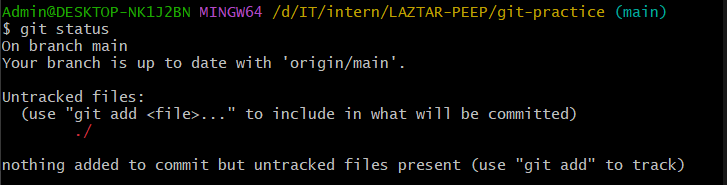
git branch

git switch



git checkout
git add

git commit
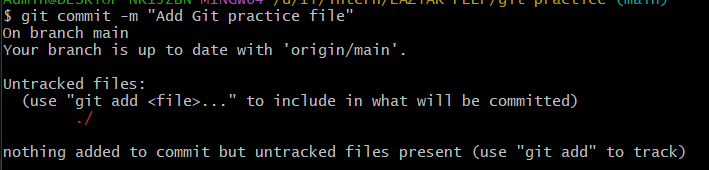

git commit –amend

git log
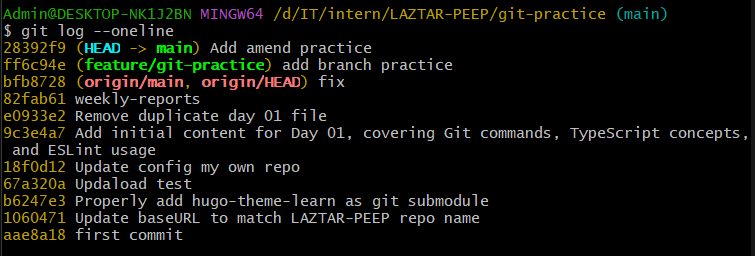
git push
git reset

git rebase
git rebase -i
git stash

git stash pop
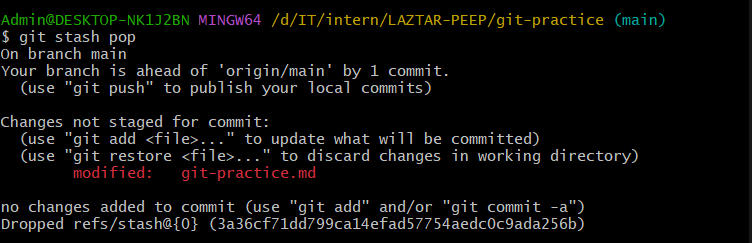
git merge


git cherry-pick

Challenges Encountered
- Needed to get familiar with Hugo’s Front Matter.
- Some changes had to be re-checked on the local environment.
Plan for the Next Day
- Continue completing the weekly report.
- Learn how to customise the theme.
- Check the responsiveness and navigation of the website.